For employees · 1 min read
Connect the @izyshift_bot Telegram bot
How to link Telegram to IzyShift, what the @izyshift_bot bot can do and how to change its language.
The @izyshift_bot bot sends you your schedule, answers to your requests and reminders. You can also check your shifts and hours there.
Steps
Quick way — from the app 1. Log in at https://app.izishift.cc. 2. On the Today screen, tap Connect Telegram. 3. @izyshift_bot opens — tap Start. No code needed.
From the bot 1. Open https://t.me/izyshift_bot and tap Start. 2. Choose your language. 3. Send your work email — the one your company used to add you. 4. Send the 6 digits from the email. The code is valid for 10 minutes. No email? Check your spam folder or tap 🔁 Send the code again.
Where to find it
The bot’s buttons are at the bottom of the chat: 📅 My shifts, 📍 Today, ⏱ My hours, 🏖 Time off, ℹ️ Help. If your manager allows it, you’ll also see 🟢 Start shift and 🔴 End shift. Commands: /help — what the bot can do, /language — change the language, /start — menu.
FAQ
Which notifications come to Telegram?
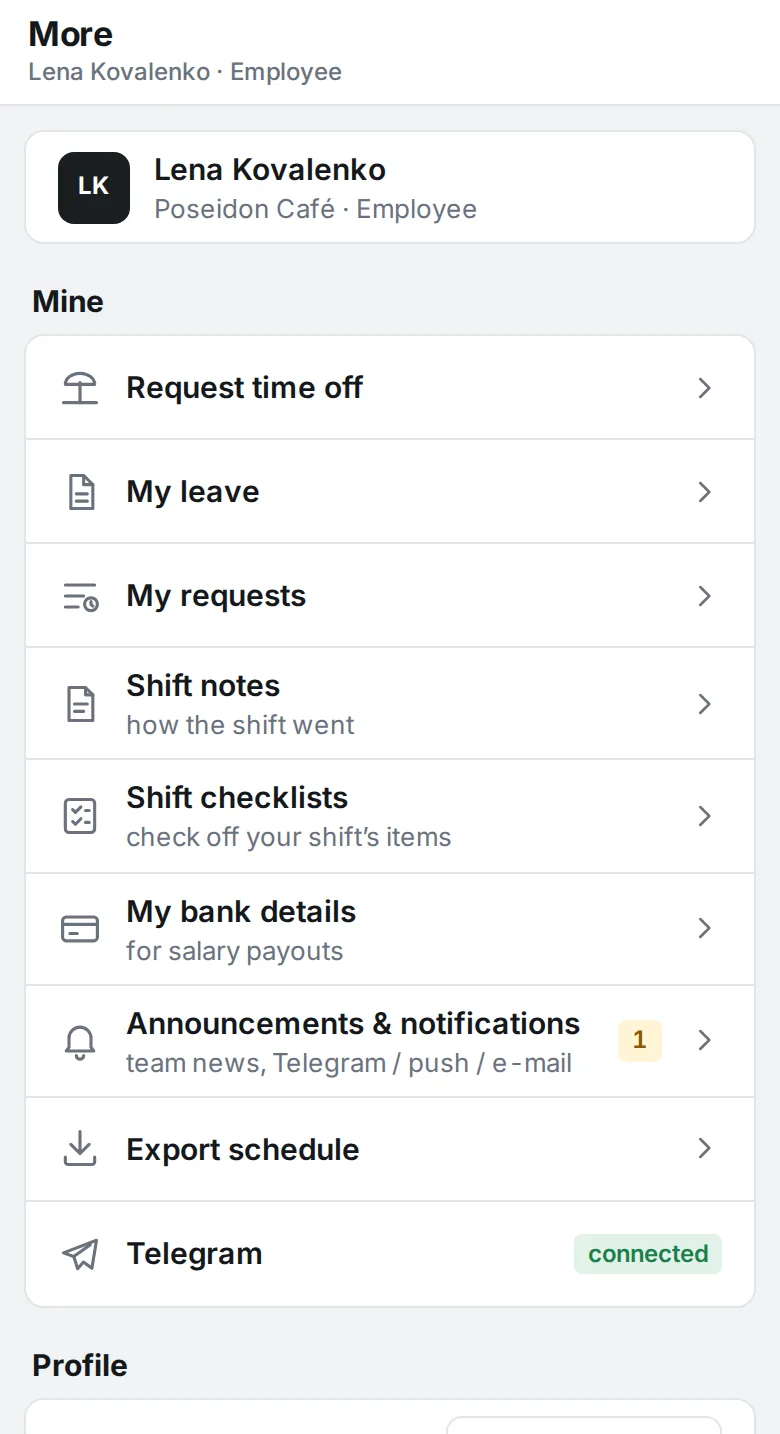
A new schedule, answers to your requests, a reminder if you haven’t clocked in, and others — as your company has set up. If notifications are turned on, you choose the channel yourself: More → Announcements & notifications → My notifications.
I sent my email, but no code arrives?
Make sure it’s your work email — the one your manager has. If that doesn’t help, ask your manager.